Category: Plugins

  • Back In Stock Notifier for WooCommerce

    Back In Stock Notifier for WooCommerce

    A lightweight, HPOS-compatible solution for WooCommerce stock notifications with advanced admin waitlist management.

    MLX Back In Stock Notifier for WooCommerce allows your customers to opt-in for email notifications when their desired out-of-stock products are replenished.

    Designed strictly to WordPress and WooCommerce coding standards, this plugin provides a seamless frontend experience for customers and a powerful backend management interface for store administrators, without bloating your database.

    Core Features

    • Automated Notifications: Customers receive an instant email the moment a product’s stock status changes to “In Stock”.
    • Customer Management: Adds a native “Stock Notifications” endpoint to the WooCommerce My Account page where users can view and remove their waitlist items.
    • Admin Waitlist Dashboard: View an aggregated list of all out-of-stock products that have customers waiting.
    • Alternative Product Suggestions: Manually email waiting customers to suggest a different, in-stock product using WooCommerce’s native AJAX product search and customizable message templates.
    • Performance Optimized: Uses native WordPress metadata API and caching. No custom database tables.
    • Fully Compatible: Officially declares compatibility with WooCommerce High-Performance Order Storage (HPOS) and Cart/Checkout Blocks.
    • Clean Cleanup: Automatically removes waitlist data if a product is permanently deleted from the store.
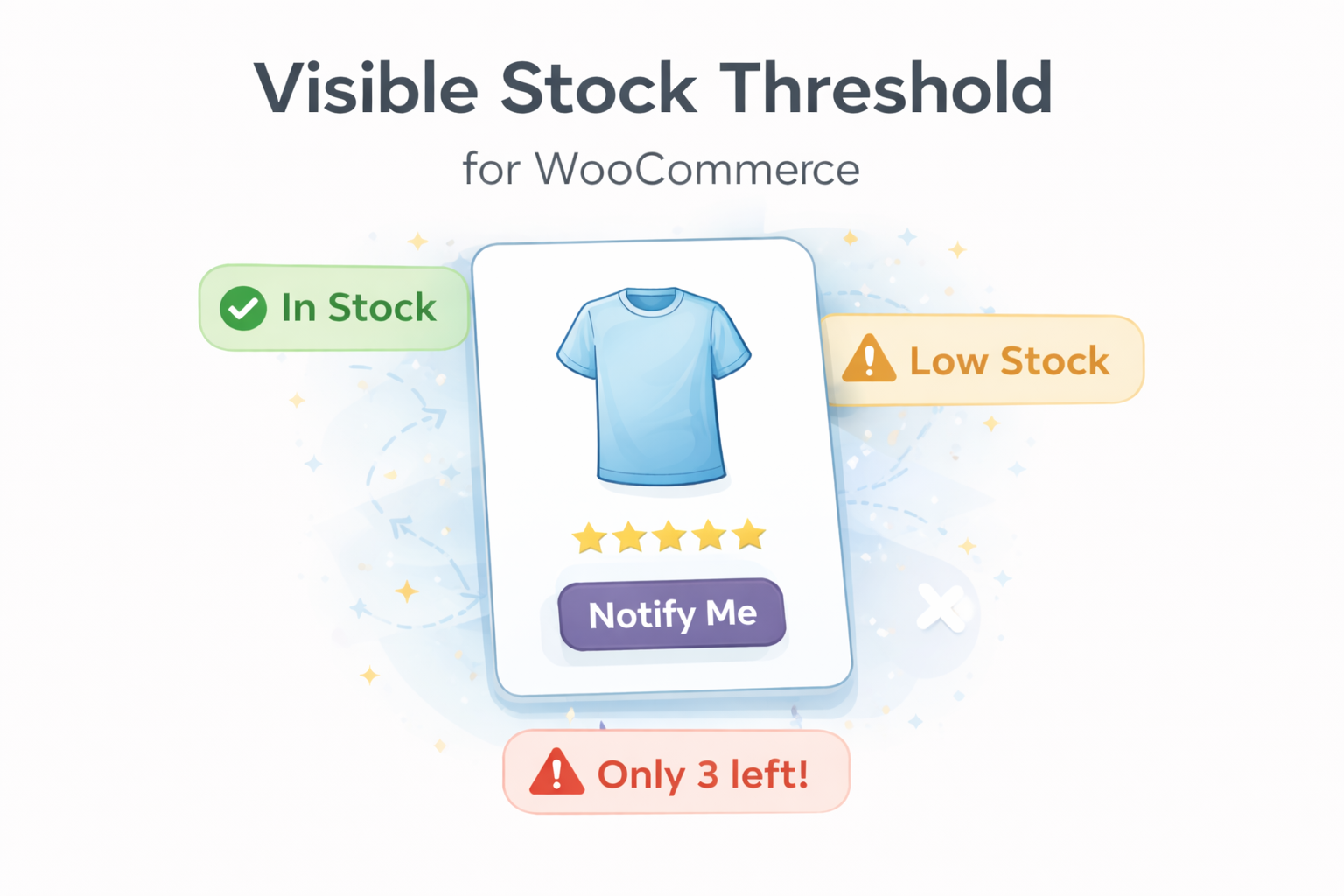
  • Visible Stock Threshold for WooCommerce

    Visible Stock Threshold for WooCommerce

    Visible Stock Threshold lets you control what customers see and can buy:

    • Visible stock cap: If real stock is above the threshold, only the threshold amount is shown/purchasable.
    • Strict Mode: If real stock ≤ threshold, the product is Out of Stock (not purchasable).
    • Multiple levels: Per-product, per-category, role-based, or global default.
    • Custom message: “Only {qty} left in stock” (fully editable).
    • Secure limits: Frontend input is capped and server-side validations prevent bypassing limits.
    • Variation supporti18n-ready, clean code, no templates overridden.

    Precedence: Product > Role > Highest Category > Global.

    Why this plugin?

    Urgency marketing without lying: keep internal buffer stock while honestly limiting visible/purchasable quantity.

    Works with

    WooCommerce stock-managed products (simple & variations). If stock management is off, plugin stays out of the way.

  • Shipping Helper for WooCommerce

    Shipping Helper for WooCommerce

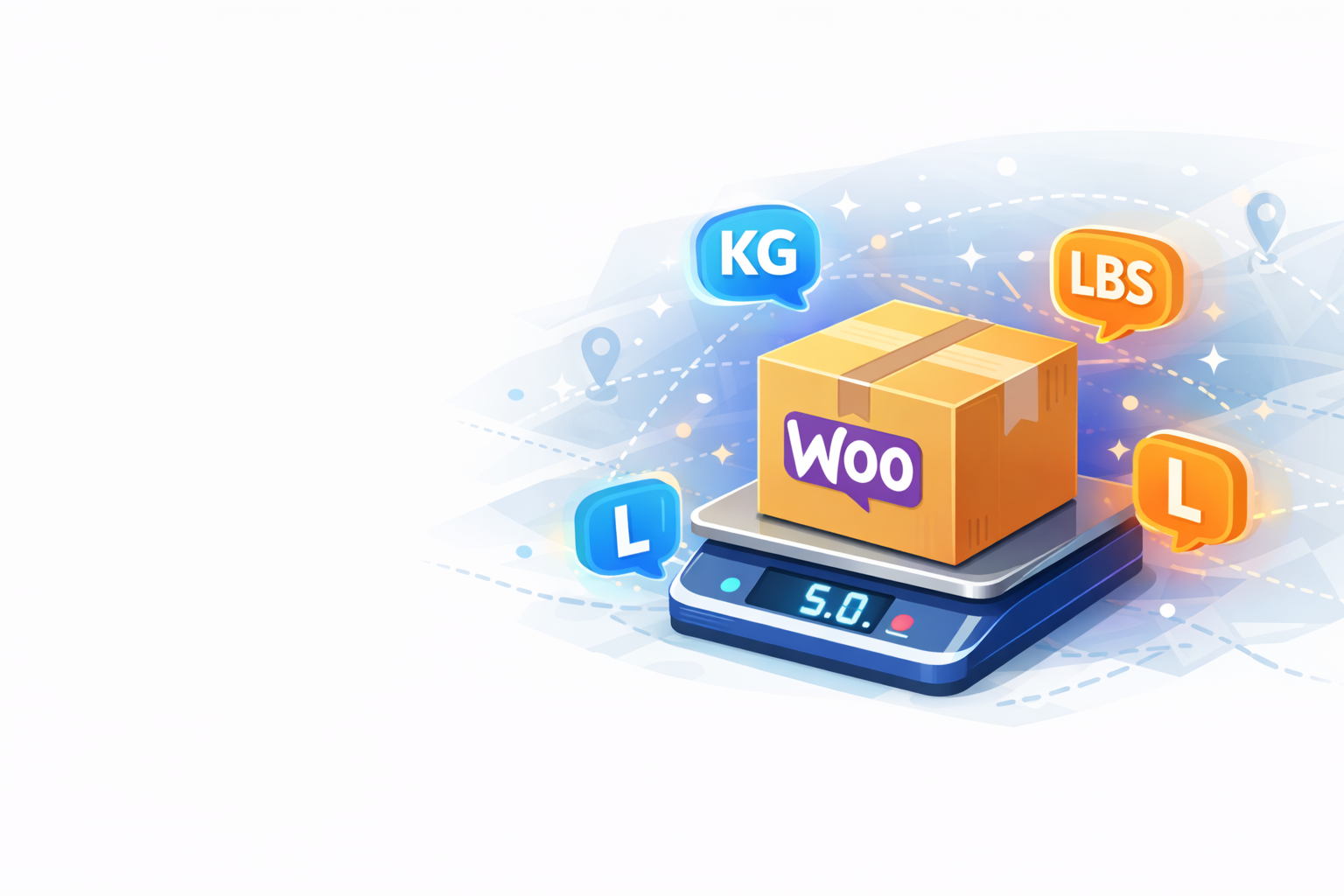
    Modulux Shipping Helper for WooCommerce is a lightweight and modular WooCommerce plugin that allows merchants to define custom weight units and flexible shipping rules for each of your products.

    Use it to handle shipping calculations when your products vary in volume, type, or measurement (e.g. Kg, Litre, Desi, Lbs). Choose between total or heaviest weight-based logic per unit and automatically apply fallback pricing, VAT, and free shipping thresholds.

    A built-in “Suggest Weight” tool can recommend weight values using SKU/category/tag similarity, making it even easier to manage large product catalogs.

    Key Features

    • Define custom weight units (Kg, Deci, Liter, Pound, etc.)
    • Configure flexible shipping rules for each unit
    • Choose between Total or Heaviest Item calculation modes
    • Add fallback pricing when no rules match
    • Built-in VAT and free shipping threshold management
    • Works only with WooCommerce’s Flat Rate shipping system
    • AJAX-powered “Suggest Weight” button to automatically fill in missing weights

    Shipping Logic

    • Products are grouped by unit (kg, liter, etc.)
    • Weight is calculated per unit:
      • Total mode: sum of all product weights
      • Heaviest mode: highest weight in the group
    • Rules are matched per unit (maximum → price)
    • If no rule matches, a fallback is used
    • The final cost is the sum of all matching units
    • VAT is applied (if set)
    • Free shipping is applied if the cart total exceeds the threshold
    • Fallback is specified in the order management panel
  • DIA Connect

    DIA Connect

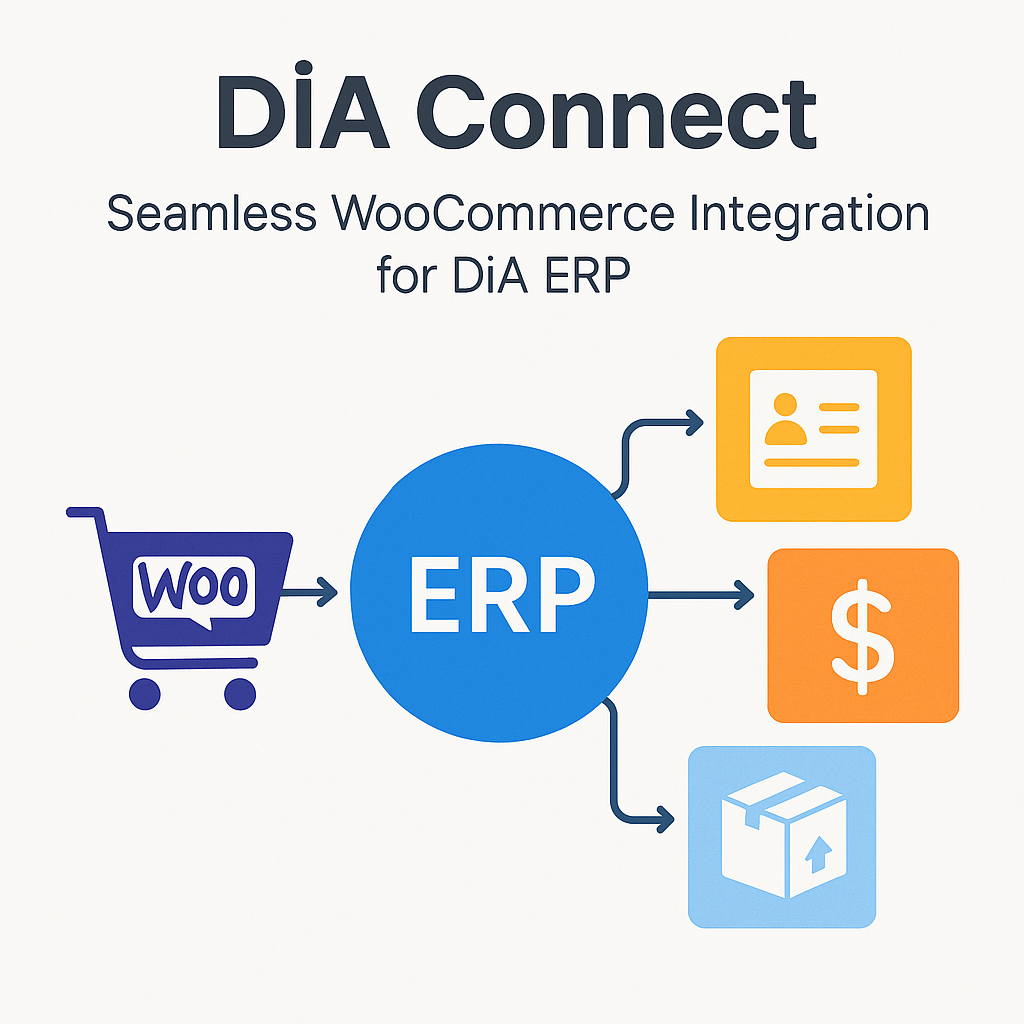
    Seamless WooCommerce Integration for DİA ERP

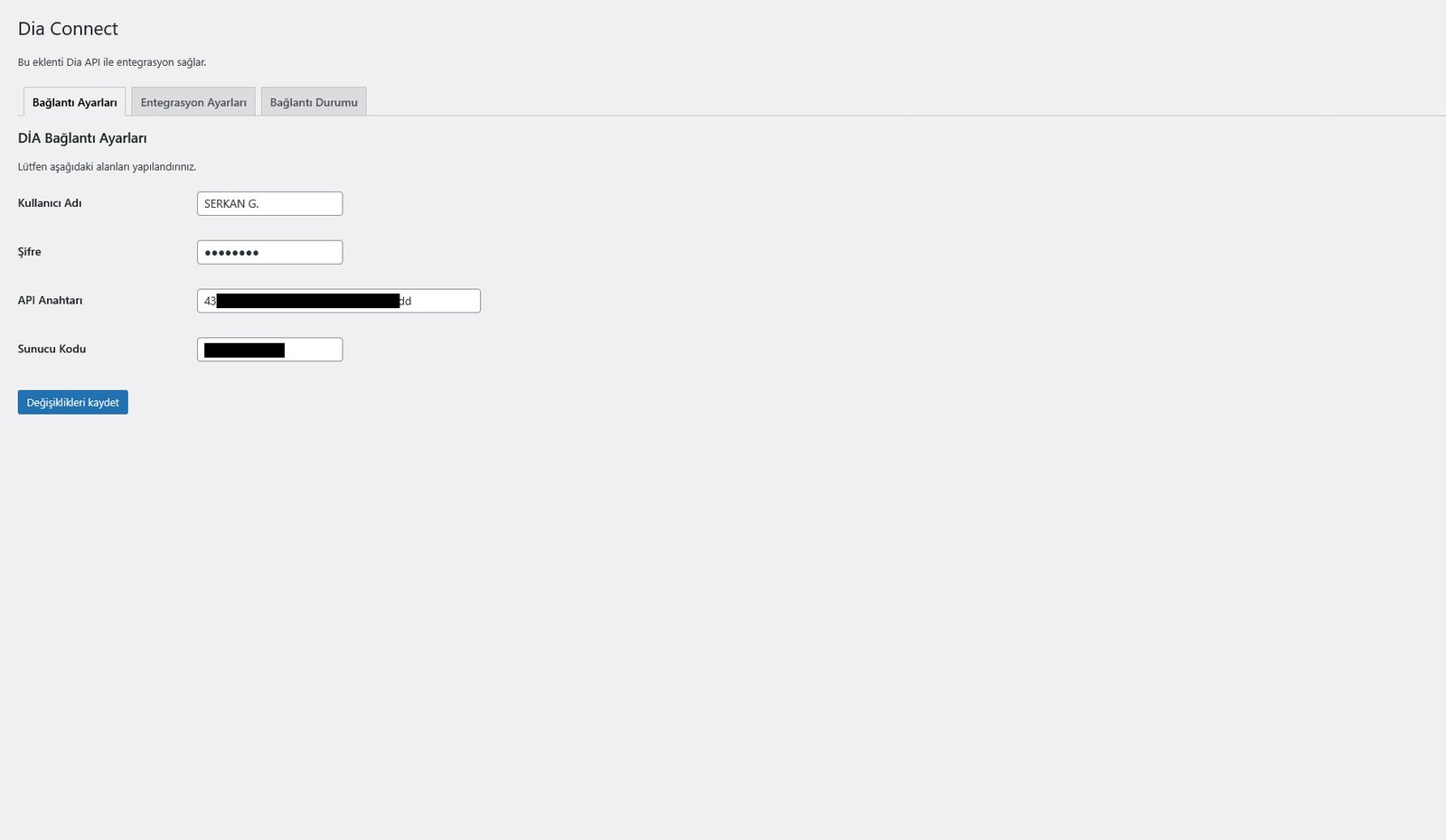
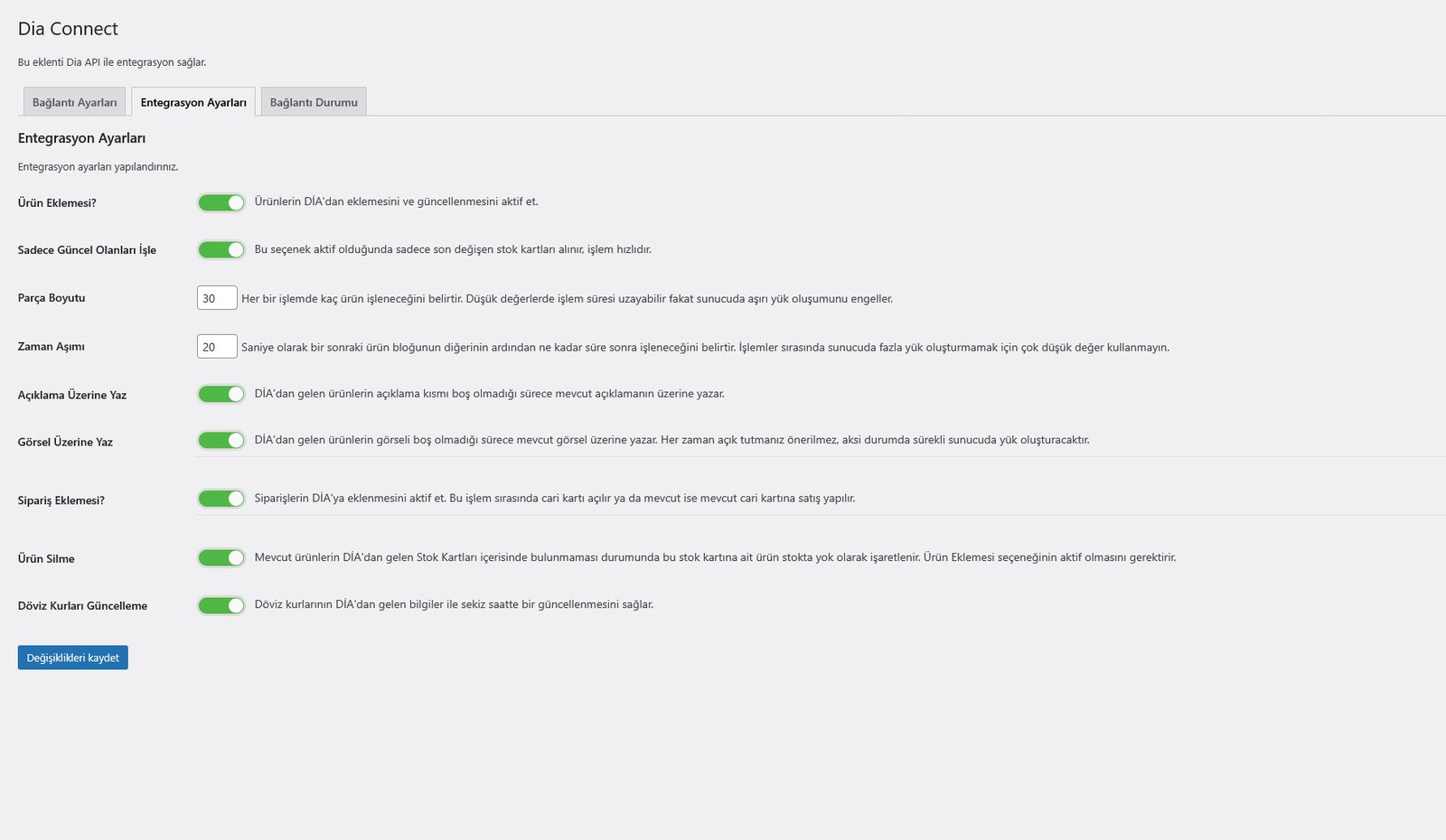
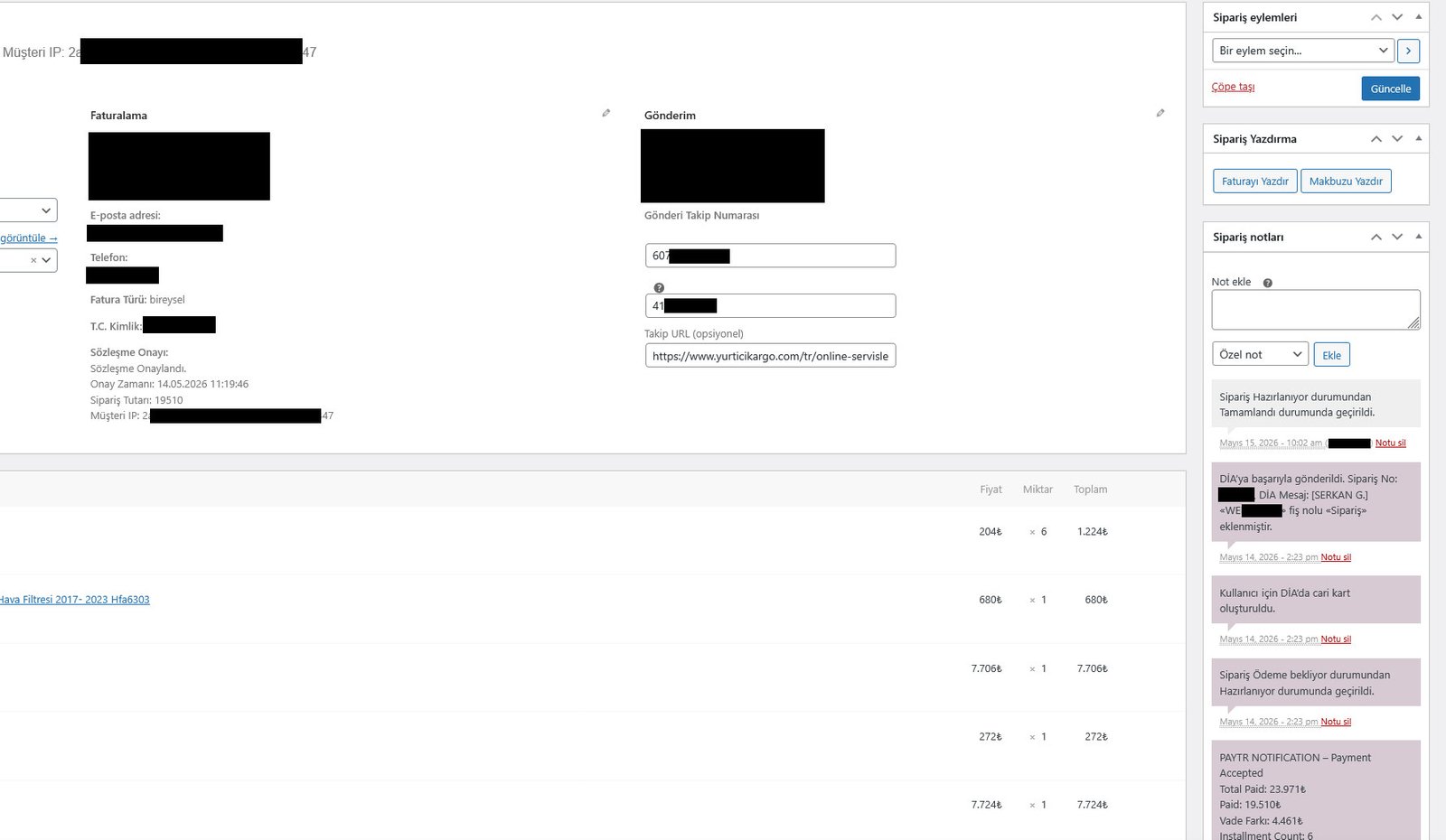
    DİA Connect is a powerful integration plugin that brings your WooCommerce store and DİA ERP system together in real time. It automates product syncing, order creation, customer management, currency updates, and even shipping entries—helping your business run smoothly without manual data entry.

    The plugin is designed for stability and scalability. Whether you manage a small catalog or thousands of products, DİA Connect processes data in optimized chunks to protect your server from overload. It also includes a unique “shadow product” structure, allowing you to manage alternative prices or hidden product variations without disrupting your main catalog.

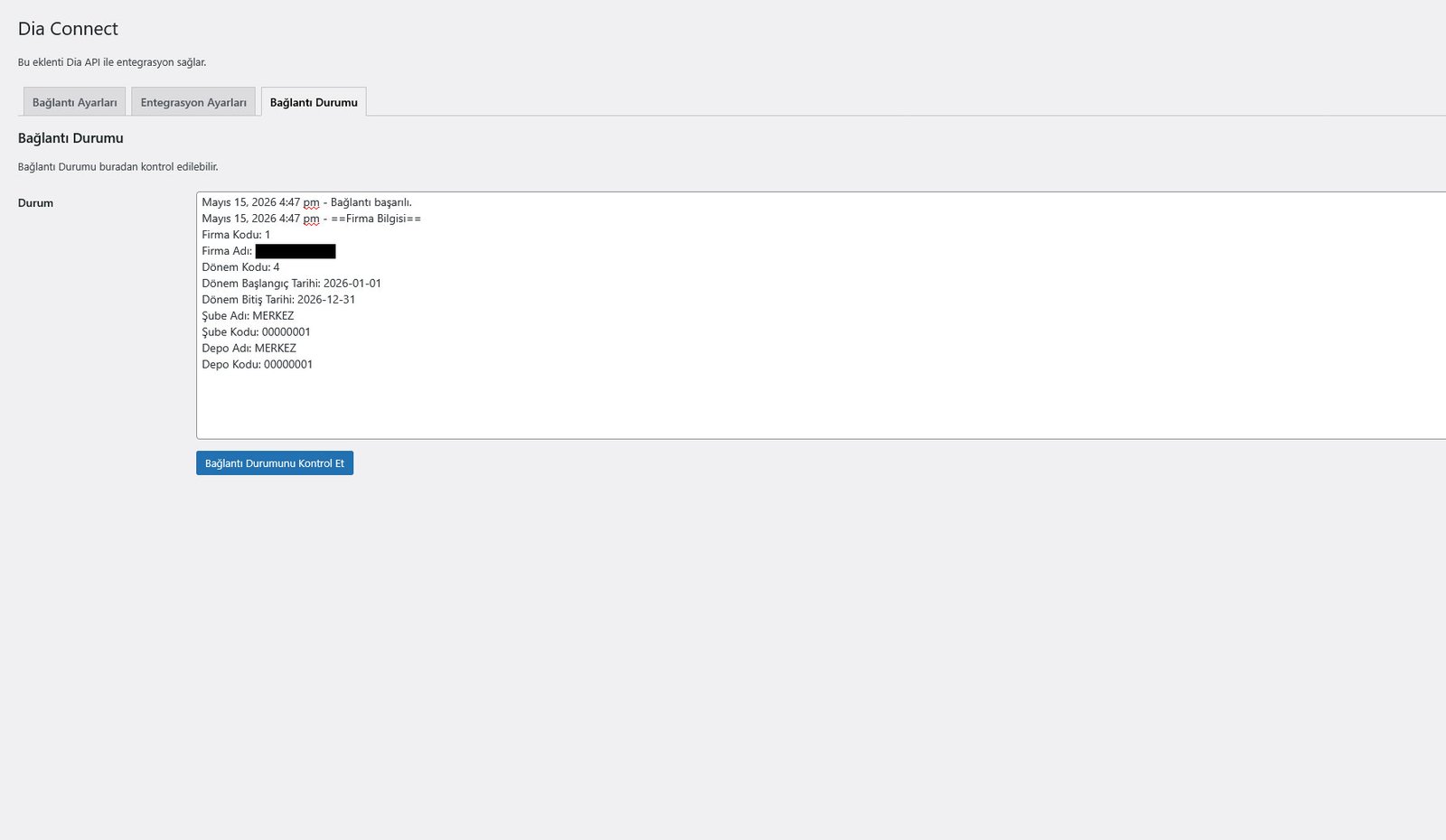
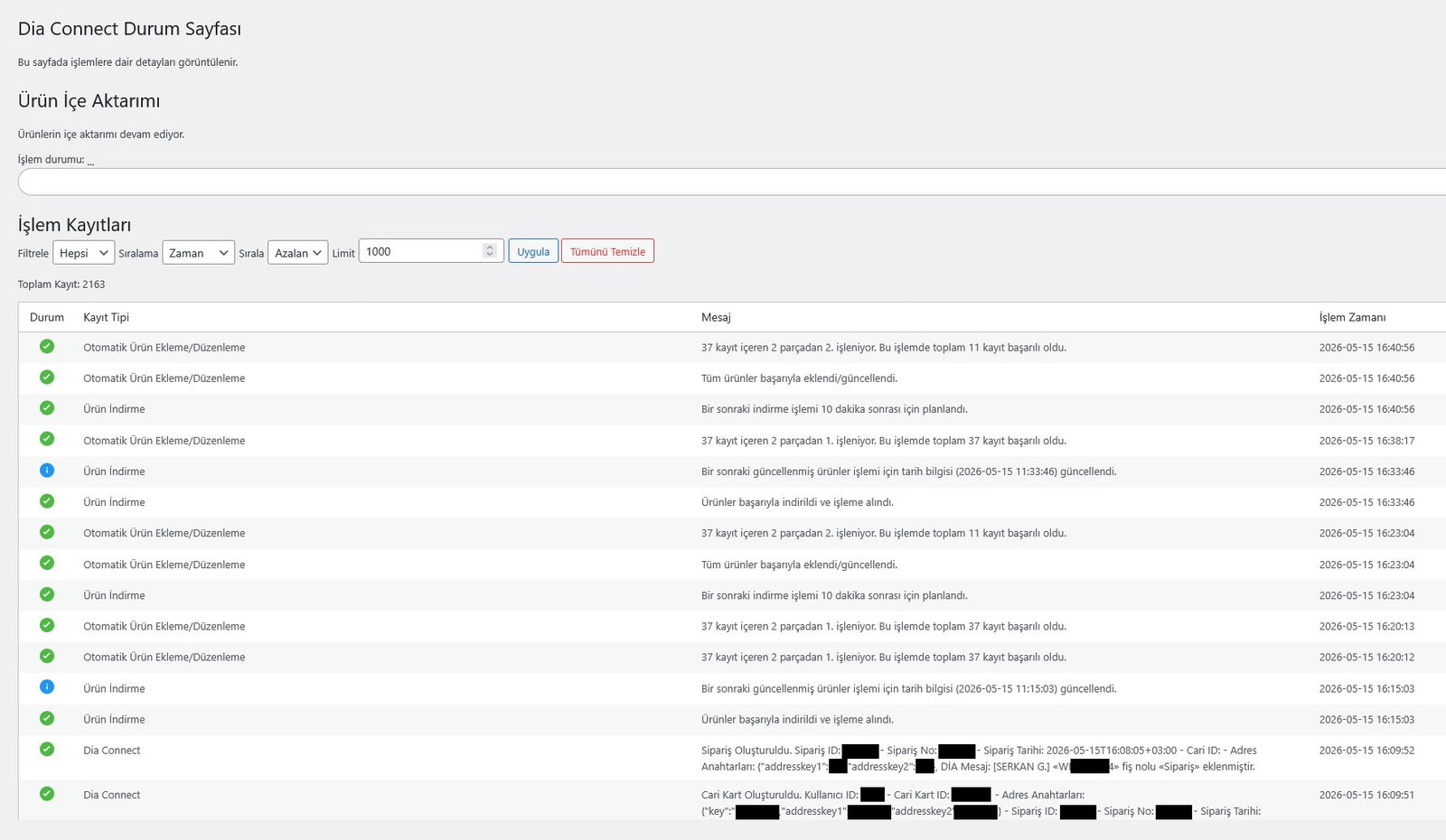
    A built‑in status dashboard shows every operation in detail, including logs, warnings, and sync history. If something goes wrong, the plugin alerts administrators immediately, ensuring full transparency and control.

    From product imports to shipping creation on Yurtiçi Kargo, DİA Connect handles the heavy lifting so you can focus on running your business—not managing data.

    Core Features

    • Create “shadow products” for alternative pricing or hidden catalog structures
    • Automatically create customers in DİA when orders are placed
    • Sync WooCommerce orders into DİA ERP
    • Generate shipping entries on Yurtiçi Kargo
    • Update currency exchange rates from DİA
    • Import all products or only newly processed items
    • Chunk‑based processing for stable performance on any server
    • Detailed logging system with warnings and error tracking
    • Real‑time status dashboard showing sync progress and history
    • Two‑way communication between WooCommerce and DİA ERP
    • Fully native WordPress architecture with zero unnecessary dependencies

    DİA ERP için Sorunsuz WooCommerce Entegrasyonu

    DİA Connect, WooCommerce mağazanızı ve DİA ERP sisteminizi gerçek zamanlı olarak bir araya getiren güçlü bir entegrasyon eklentisidir. Ürün senkronizasyonunu, sipariş oluşturmayı, müşteri yönetimini, para birimi güncellemelerini ve hatta kargo girişlerini otomatikleştirerek, manuel veri girişi olmadan işletmenizin sorunsuz çalışmasına yardımcı olur.

    Eklenti, kararlılık ve ölçeklenebilirlik için tasarlanmıştır. İster küçük bir kataloğu ister binlerce ürünü yönetin, DIA Connect, sunucunuzu aşırı yüklenmeden korumak için verileri optimize edilmiş parçalar halinde işler. Ayrıca, ana kataloğunuzu bozmadan alternatif fiyatları veya gizli ürün varyasyonlarını yönetmenize olanak tanıyan benzersiz bir “gölge ürün” yapısı içerir.

    Yerleşik bir durum paneli, günlükler, uyarılar ve senkronizasyon geçmişi de dahil olmak üzere her işlemi ayrıntılı olarak gösterir. Bir sorun oluşursa, eklenti yöneticileri hemen uyararak tam şeffaflık ve kontrol sağlar.

    Ürün ithalatından Yurtiçi Kargo’da kargo oluşturmaya kadar, DİA Connect ağır işleri üstlenir, böylece siz işletmenizi yönetmeye odaklanabilirsiniz – veri yönetimine değil.

    Temel Özellikler

    • Alternatif fiyatlandırma veya gizli katalog yapıları için “gölge ürünler” oluşturun
    • Sipariş verildiğinde DİA’da otomatik olarak müşteri oluşturun
    • WooCommerce siparişlerini DİA ERP’ye senkronize edin
    • Yurtiçi Kargo’da sevkiyat girişleri oluşturun
    • DİA’dan döviz kurlarını güncelleyin
    • Tüm ürünleri veya yalnızca yeni işlenen ürünleri içe aktarın
    • Herhangi bir sunucuda istikrarlı performans için parça tabanlı işlem
    • Uyarılar ve hata izleme ile ayrıntılı günlük kaydı sistemi
    • Senkronizasyon ilerlemesini ve geçmişini gösteren gerçek zamanlı durum paneli
    • WooCommerce ve DİA ERP arasında çift yönlü iletişim
    • Sıfır gereksiz bağımlılıkla tamamen yerel WordPress mimarisi
  • MLX Cookie Consent

    MLX Cookie Consent

    MLX Cookie Consent is a lightweight, developer-friendly cookie consent solution built by Modulux.

    It provides the technical tools to control when scripts and embedded content load based on user consent.
    When configured and used correctly, it can support compliance efforts for GDPR, ePrivacy, UK GDPR,
    and similar regulations.

    This plugin does not automatically make your site legally compliant.
    You are responsible for correctly classifying scripts, providing accurate information,
    and maintaining proper privacy and cookie policy pages.

    MLX Cookie Consent is multilingual-ready and works with WPML or Polylang via String Translation.
    All user-facing texts (titles, descriptions, buttons, category labels) can be translated per language.

  • Modulux Chat Box

    Modulux Chat Box

    Modulux Chat Box is designed to reduce unnecessary direct messages by guiding visitors to predefined answers before they contact you.

    Instead of immediately opening WhatsApp, visitors see a searchable list of frequently asked questions. Only if they confirm that their question is not listed can they proceed to contact you.

    This approach helps:
    – Reduce repetitive questions
    – Save time for store owners and support teams
    – Improve user experience without blocking communication

    The plugin is fully self-contained, multilingual-friendly, and follows WordPress.org coding standards.

    Why Modulux Chat Box?

    Many chat plugins rely on:
    – External SaaS services
    – Heavy icon libraries
    – Tracking scripts
    – Bloated frontend frameworks